
App Design · Ecommerce Experiences
Mobile app design services for your customers’ everyday tasks.
Shape the flows, navigation, and interface of your ecommerce app around what customers need to do. We create a focused prototype and documented design decisions for your development team.
Our app service covers UX and UI design. App development and store publishing require a separate scope.
What should customers be able to do in your app?
Start with the tasks and situations the app needs to support. An existing experience may need clearer navigation or better handling of interruptions. A proposed app needs a defined purpose before its screens take shape.
An existing app
Review the journeys where customers lose their place, miss information, or struggle to recover from an error.
A proposed experience
Define the customer need and the role of the app alongside your mobile website.
A redesign
Identify what should change and what customers already rely on.
An implementation team
Give the people building the app clear flows, interface states, and design decisions.
Not sure an app is the answer?
If your priority is the mobile website, explore Web Design. If the customer need is still unclear, UX Research can help define the questions to investigate.
Define the flow before filling the screens.
We agree on the journeys and platforms the design should cover, then connect structure, interaction, and interface detail. Platform coverage, research, and validation rounds are agreed for each project.
Flows and navigation
Map the steps, decisions, and routes customers need for the selected tasks.
Wireframes
Explore content priorities and screen structure before refining the interface.
App UI design
Design the selected screens, controls, and states around your brand and platform context.
Interaction prototype
Connect the agreed flows so your team can review behavior and test specific questions.
Design documentation
Record behavior, content requirements, dependencies, and decisions for implementation.
Account for the platform and the context of use.
A useful mobile interface needs more than smaller screens. We consider how people navigate, enter information, receive feedback, and return to a task after an interruption. We agree on the platforms and device coverage before design begins.
iOS app design
Adapt the selected experience to iOS conventions and the capabilities agreed with your development team.
Android app design
Define Android behavior and interface decisions when Android is part of the scope.
Interaction and recovery
Make actions, progress, and recovery paths clear across the states the flow needs.
Accessible design
Consider readable content, usable controls, alternative interactions, and accessibility notes for implementation.
Connect customer evidence with design decisions.
When user testing is in scope, we recruit for the selected tasks, record what the prototype can demonstrate, and prioritize findings for the next iteration. We define how to assess the experience and how it connects with the business questions behind the project.
Discover
Review the customer context, existing evidence, and product constraints. Define the questions that need research.
Define
Agree on the tasks, platforms, scope, and criteria the design should address.
Develop
Explore flows and interface options, then use a prototype to review and refine the selected experience.
Deliver
Organize the design files, document decisions, and walk the implementation team through the agreed flows.
Give your development team a clear design reference.
The handoff brings the selected journeys, interface detail, and open questions together. Code, backend services, integrations, app store submission, and ongoing technical maintenance are scoped separately.
- Flow reference: agreed journeys, decisions, and navigation routes.
- Design files: wireframes and interface designs for the selected screens and states.
- Prototype: a connected representation of the agreed interactions, with its simulation limits stated.
- Design notes: behavior, content, accessibility considerations, and dependencies.
- Findings and priorities: documented observations and next actions when research or testing is included.
- Handoff walkthrough: a review of design decisions and the questions your implementation team needs to resolve.
From the Blog
Further reading.
Articles from our blog on the topics this page covers.
- Business Models and Growth · Article
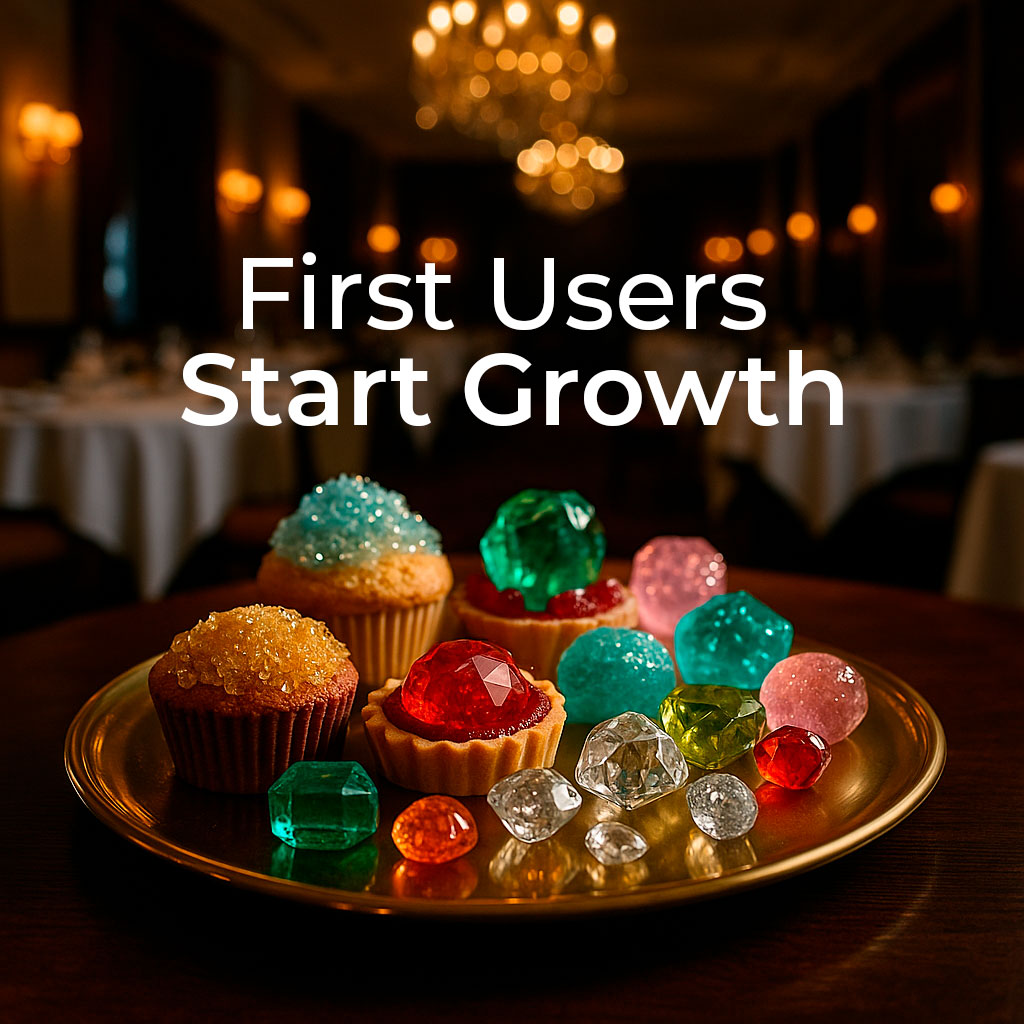
From Launch to Scale: My UX-Led Reading of The Cold Start Problem
A UX-led reading of The Cold Start Problem: how startups move from launch to defensibility through research, design, and growth. - Analytics Tools · Article

Ecommerce Friction: How to Find the UX Issues That Slow Down Sales
More traffic works better when your store helps people buy. Ecommerce friction appears when customers hesitate, repeat clicks, get confused, lose trust, or leave before checkout. This article shows how to detect those friction points with simple usability analysis, data, and customer behavior before guessing what to redesign. - Customer Experience · Article
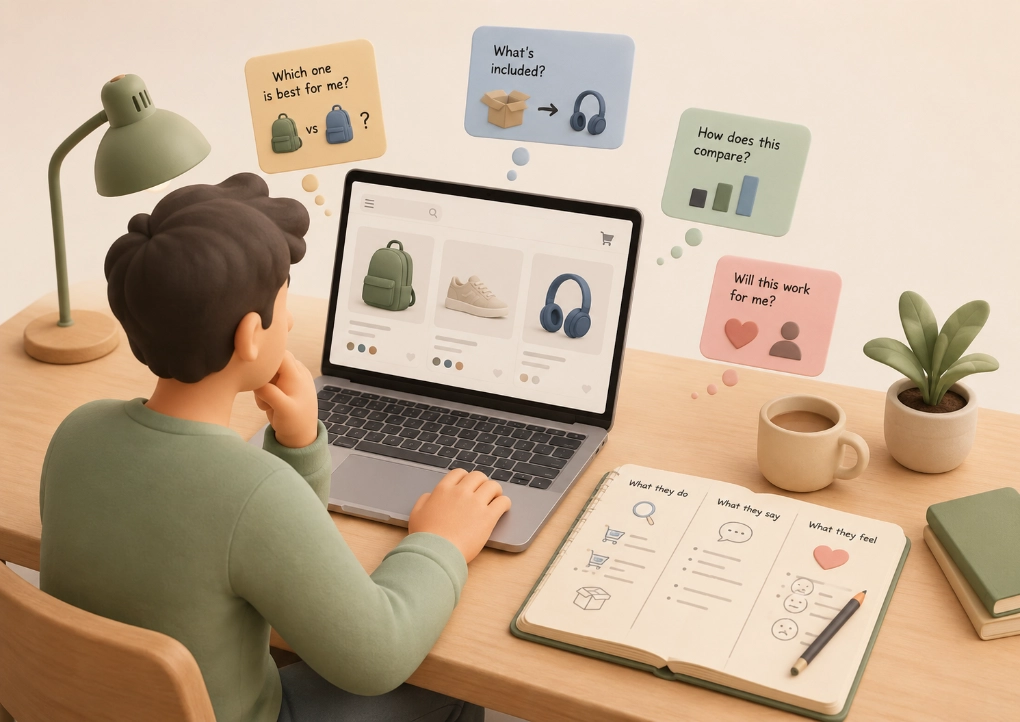
Understanding What Your Customer Needs Improves Your Store
You know your business. But your customers see your store differently. Learn how simple user research helps you improve your store with real customer signals, not guesses. - Customer Experience · Article
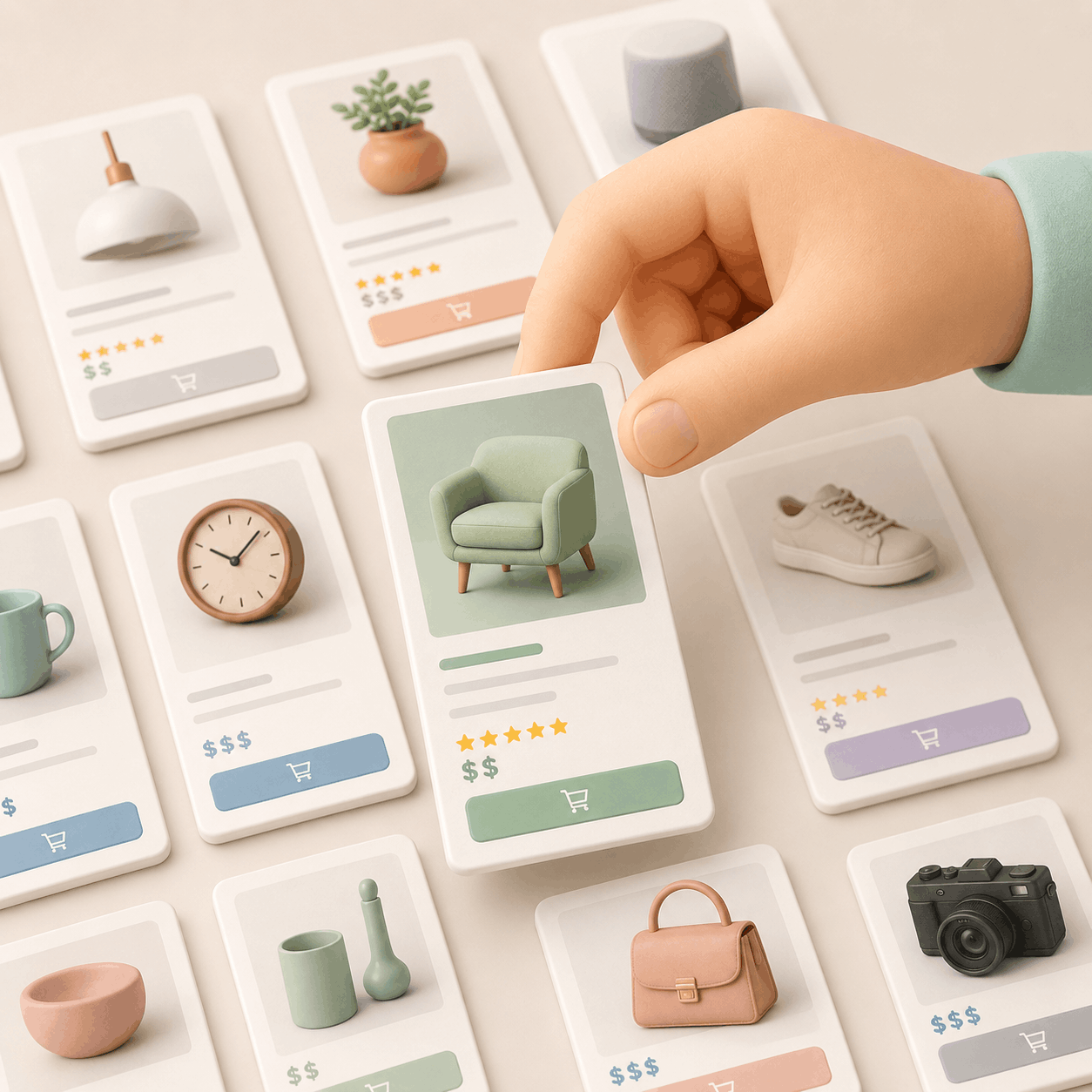
Turn Your Store Menu Into Your Best Salesperson
Your store menu should not be just a list of products. It should help customers understand what they are looking for, what options they have, and which product fits best. This article explains how navigation, category pages, filters, and product pages can guide better buying decisions. - Artificial Intelligence · Article

AI hype will drown companies in noise. But real creatives will rise
AI isn’t replacing creativity, it’s replacing tasks. The real danger isn’t automation. It’s believing generative content is the same as original thinking. This article breaks the myth and defends the human insight behind real growth. - Customer Experience · Article
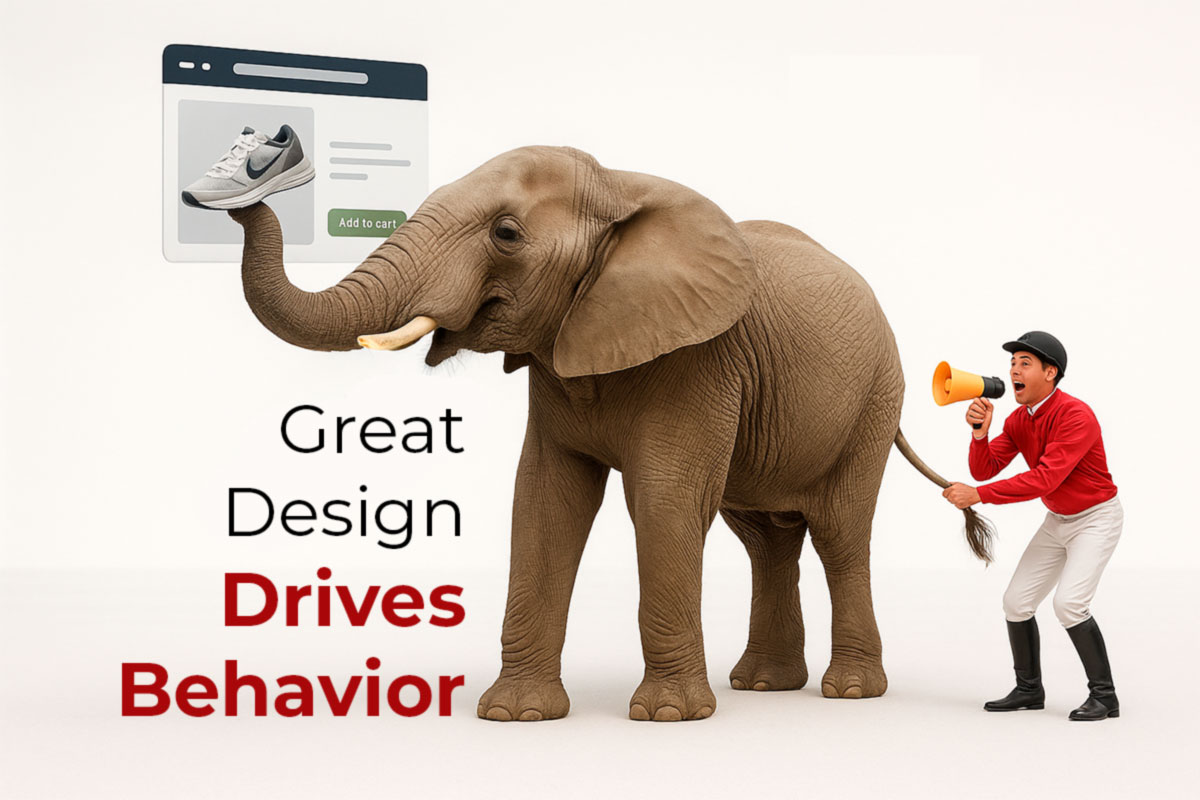
UX Is Emotion: The 7 Habits of Stores That Convert in 2025 – 2026
This article unpacks the 7 behavioral habits behind the most successful e-commerce stores of 2025. Learn how to design for emotional flow, reinforce trust at every step, and turn your store into a seamless engine of momentum, clarity, and conversion.
Questions about mobile app design services.
This service covers UX and UI design, a prototype, and design documentation. Development, integrations, and app store publishing require a separate scope.
We define the work around the selected customer tasks, available evidence, and product constraints. That may involve refining an existing experience or designing a proposed flow.
The decision depends on the customer need, the role of the mobile website, and your ability to build and maintain the experience. We start by clarifying the task the app should support.
Platform coverage is agreed for each project. The design needs to account for the conventions and implementation constraints of the selected platforms.
Testing is agreed around specific questions, participants, and tasks. We document what the prototype simulates and the limits of the findings.
The scope depends on the journeys, platforms, interaction states, research needs, and review rounds. We define those requirements before preparing a proposal.
Design helps your team examine how the experience supports customer tasks. Retention and sales depend on the implemented product, customer behavior, and the wider commercial context; they are not guaranteed by a design project.
Connect app design with the evidence and interface work it needs.
Define the mobile experience your customers need.
Tell us about the customer task, the platforms, and the team that will build the app.
We’ll help frame a focused design scope.
Schedule a meetingPrefer to write first? Tell us about your project.