
Web Design · Ecommerce Experience
Ecommerce web design that makes buying decisions clearer.
Connect product information, navigation, and visual design around what shoppers need to understand and do.
We design responsive pages and practical prototypes with a clear path to implementation.
Does your site help shoppers understand what to buy?
A site can look polished and still leave important questions unanswered. Web design connects the presentation of your brand with product information, navigation, and the next action in the buying journey.
Unclear product discovery
Make it easier to understand the range and find a relevant starting point.
Missing buying information
Place the details shoppers need where they can use them to compare and decide.
Difficult mobile interactions
Review layouts and controls around the tasks people need to complete on a small screen.
Inconsistent page behavior
Give related pages a coherent structure while preserving the needs of each task.
Design the pages that support your buying journey.
We agree on the pages, tasks, and content the project needs. Each page has a role in helping customers find, understand, and act.
Home and entry pages
Explain the offer and provide useful paths into the range.
Categories and product discovery
Connect labels, product lists, search, and filters with how shoppers look for relevant options.
Product pages
Organize product details, imagery, options, and purchase information around the decision.
Cart and purchase steps
Clarify selections, costs, and the next step within the capabilities of the platform.
Supporting information
Make delivery, returns, support, and other decision-relevant information accessible in context.
Responsive web design starts with the task.
Small screens need clear priorities and usable controls. We define how content, navigation, and interactions adapt across screen sizes, rather than treating mobile as a smaller desktop composition.
Content hierarchy
Keep decision-relevant information clear as the layout changes.
Navigation and orientation
Help shoppers understand where they are, move between views, and return to a previous step.
Controls and feedback
Define selection, error, loading, and confirmation states for the interactions in scope.
Accessibility considerations
Address readable content, visible focus, contrast, and usable controls in the design specifications.
Implementation constraints
Consider platform behavior, content variability, and the media required to deliver the design.
A design process connected to evidence and delivery.
Commercial measurement continues across the work. Implemented changes need their own evaluation plan.
Discover
Review the business question, audience, existing experience, content, and platform constraints.
Define
Agree on priority tasks, pages, requirements, and the decisions the design should support.
Develop
Explore layouts and interactions, build the relevant prototypes, and review them against the agreed requirements.
Deliver
Prepare the design and implementation guidance, with a plan for review and evaluation.
Design deliverables your team can build from.
We agree on how design connects with development. Implementation, integrations, content production, and launch are defined in the project scope.
- Page and task scope: the pages, templates, and interactions covered by the project.
- Responsive layouts: designs and adaptation rules for the agreed page types and screen contexts.
- Relevant prototypes: a simulation of the interactions that need review before implementation.
- States and content guidance: specifications for the states, content, and assets needed to complete the experience.
- Implementation handoff: design decisions, constraints, and acceptance criteria for the team building the site.
From the Blog
Further reading.
Articles from our blog on the topics this page covers.
- Customer Experience · Article
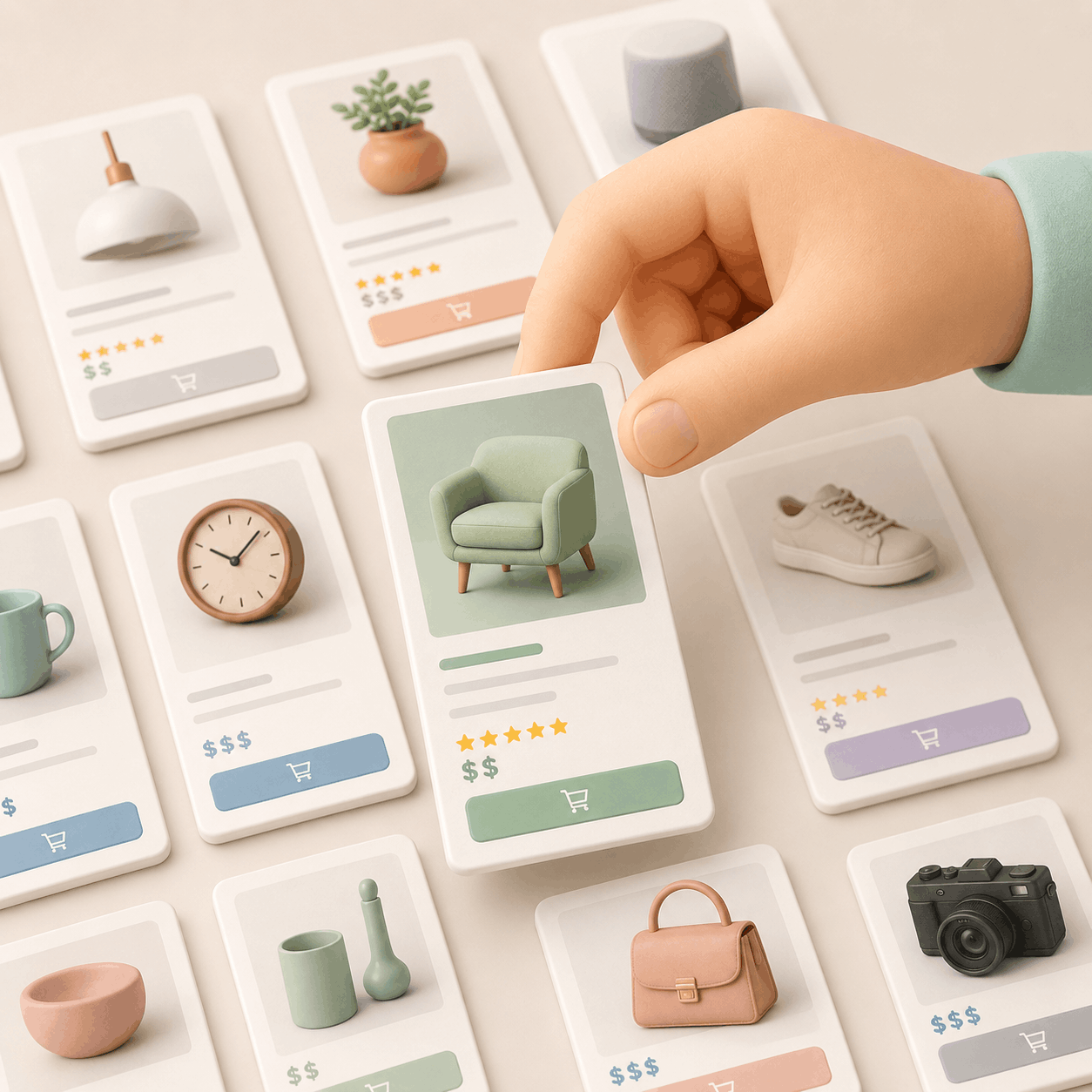
Turn Your Store Menu Into Your Best Salesperson
Your store menu should not be just a list of products. It should help customers understand what they are looking for, what options they have, and which product fits best. This article explains how navigation, category pages, filters, and product pages can guide better buying decisions. - Customer Experience · Article

How to Design Product Pages That Sell (Without Being Pushy)
Most product pages overplay their hand, pushing urgency, faking scarcity, and eroding trust. But in 2025, persuasion isn’t about pressure. It’s about clarity, emotional design, and ethical cues that guide decisions without manipulation. This article explores how to create product pages that convert by building trust, reducing friction, and respecting the buyer’s process. - Customer Experience · Article

The Unseen Hand Guiding Your Click. Nielsen, E-commerce, and the Architecture of Digital Desire
Have you ever found yourself adrift in the digital marketplace, clicking through a seemingly endless maze of options, only to abandon your quest in sheer frustration? That faint whisper of "this shouldn't be so hard" is an echo of a universal human need for clarity and intuition, a need often overlooked in the race for digital innovation. - eCommerce Optimization · Article

Boost Conversions: Mobile-First Optimization for E-commerce in 2025
Discover proven strategies to boost e-commerce conversions through mobile-first optimization, including UX design tips, real-world case studies, and actionable advice for 2025. - Analytics Tools · Article
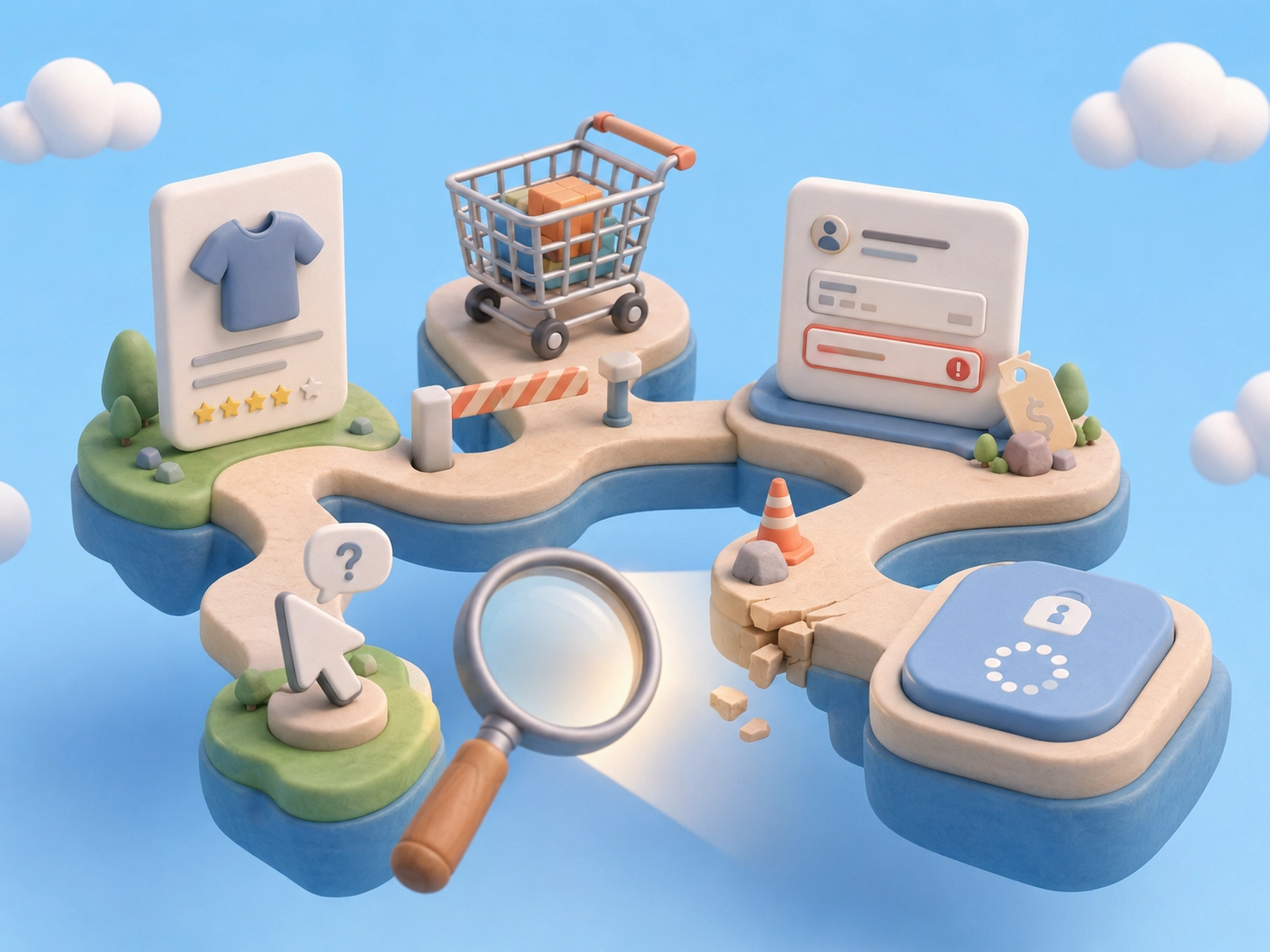
Ecommerce Friction: How to Find the UX Issues That Slow Down Sales
More traffic works better when your store helps people buy. Ecommerce friction appears when customers hesitate, repeat clicks, get confused, lose trust, or leave before checkout. This article shows how to detect those friction points with simple usability analysis, data, and customer behavior before guessing what to redesign. - Customer Experience · Article

Understanding What Your Customer Needs Improves Your Store
You know your business. But your customers see your store differently. Learn how simple user research helps you improve your store with real customer signals, not guesses.
Ecommerce web design questions.
We define the pages and tasks in scope, then connect structure, content, visual design, and interaction. Deliverables can include responsive layouts, prototypes, and implementation guidance.
Yes. We define priorities and adaptation rules across the agreed screen contexts, including how navigation, content, and controls behave as the layout changes.
Design and implementation are defined in the proposal. When development is part of the project, we agree on platform, technical requirements, responsibilities, and launch scope.
Yes. We review the assets and rules already available, reuse what supports the experience, and agree on any adjustments needed.
That depends on the problem and evidence. A focused change to priority pages may be more appropriate than replacing the whole site.
We define design around the relevant platform capabilities and constraints. Platform-specific implementation is agreed separately within the project scope.
Cost depends on the page types, interaction complexity, evidence available, content needs, and implementation scope. We define those requirements before preparing a proposal.
Design can address identified barriers and support clearer buying decisions. Commercial outcomes depend on implementation and evaluation; a redesign alone does not guarantee an increase.
Related services.
What should your next design change help shoppers do?
Share your site, the buying task you want to improve, and the pages involved.
We can discuss a focused design scope and its path to implementation.
Schedule a meetingPrefer to write first? Tell us about your project.